








new games
 Collect Brainrot Arena
 Jump for Brainrot
 Obby: Round Farm
 Parking Adventure
 Parkour Doors
 Brainrots Lava Survive Online
 Bowling Master
 Grow a Garden 2
 Brainrot Park
 Lucky Brainrot Blocks Online
 Robber Run
 Aqua Bits
 Parkour Online
 Mall Fury
 Steal Memerot: Zoo Tycoon
 Skate Dash
 Stumble Race
 Throw a Lucky Block
 Beast Clash
 Kick a Lucky Block - Brainrot!
 Soyjak Siege
 Rotate Rush
 The Brainroot Fighter
 Birdie Bop
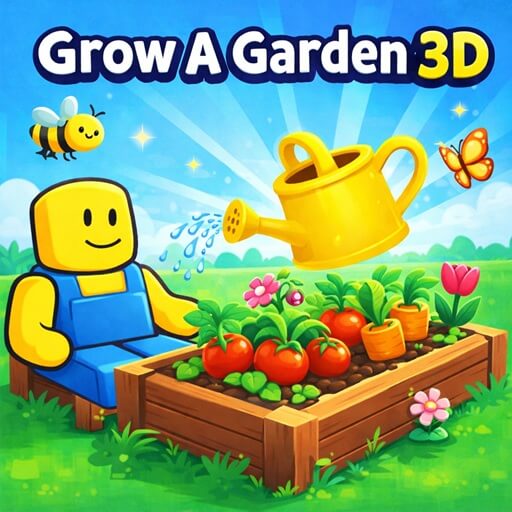
Grow a Garden 3D
Grow a Garden 3D is a relaxing gardening simulation game where you freely plant, care for, and grow your garden in your own way. With no time pressure or overwhelming tasks, the game offers a calm and soothing experience from the very first moments.
How to play Grow a Garden 3D
Plant and start your garden
Move around your land to find suitable spots, then plant seeds. Each plant grows at a different pace, so choose wisely to optimize your garden.
Care for and monitor plants
After planting, observe and take care of your crops to help them grow well. Watching them develop brings a relaxing and satisfying feeling.
Expand and develop
Use the resources you earn to buy new seeds, unlock areas, and improve your garden. The longer you play, the more diverse and unique your garden becomes.
Controls
PC
- WASD: Move
- Mouse: Rotate camera
- Left mouse button: Plant
- E: Interact
- Space: Jump
Mobile
- Joystick: Move
- Swipe: Rotate camera
Conclusion
Grow a Garden 3D is not just a simulation game but a peaceful space where you can enjoy slow progression and creatively build your own garden. If you love relaxing experiences, this game is definitely worth trying.